recordings recordings made simple.
Capture your screen on macOS and use commercially for free with smooth cursor tracking, beautiful backgrounds, zooms, and cinematic motion.
macOS 14+ · Apple Silicon · Free
All recordings made with screen01
Select a display or window. Start Recording.
Pick any app window or display from the menu, adjust your capture bounds with the visual editor, and start recording. Screen01 handles the rest.
Choose between auto and manual zooms.
Seamlessly add zooms to your recordings to draw attention to what needs to be seen. no editor required just screen01.
Beautiful mouse motion and blur.
Cursor movement from interpolated mouse positions creates beautiful motion, blur, and rotation to make your recording feel alive.
Backgrounds, corners, shadows, and padding to make your content pop.
Drop your recording onto different backgrounds. Adjust padding, corner radius, and glow. Every frame looks presentation-ready without leaving the app.
Record with voice and video.
Choose a camera and microphone input before you record. Narrate, explain, and present. All done seamlessly.
Everything you need. Nothing you don't.
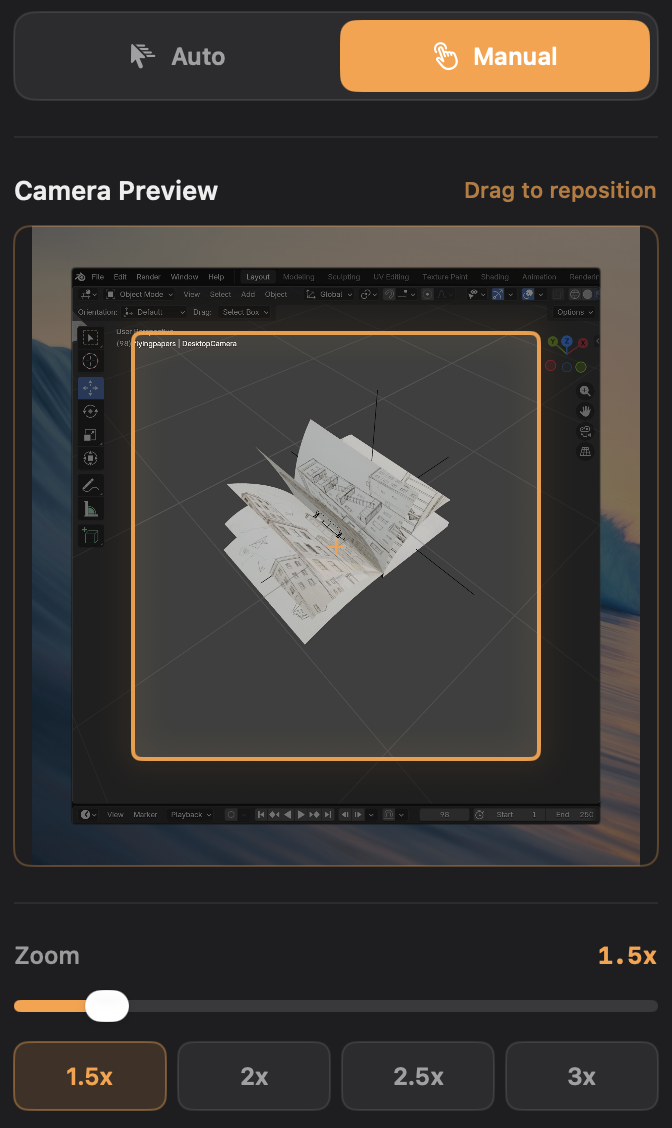
Zoom Preview
Easily adjust manual zooms and also see live what auto zoom is doing.
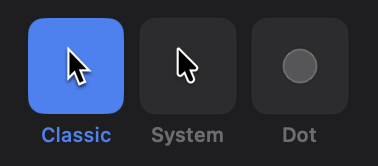
Cursor Styles
Pick between different cursor types for your recording.
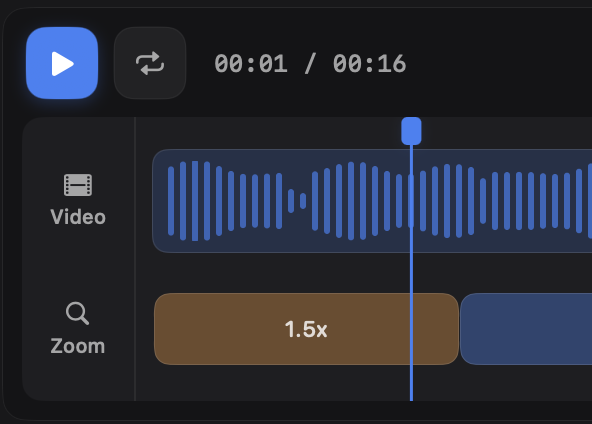
Timeline
Autoplay, scrub, place blocks, and more.
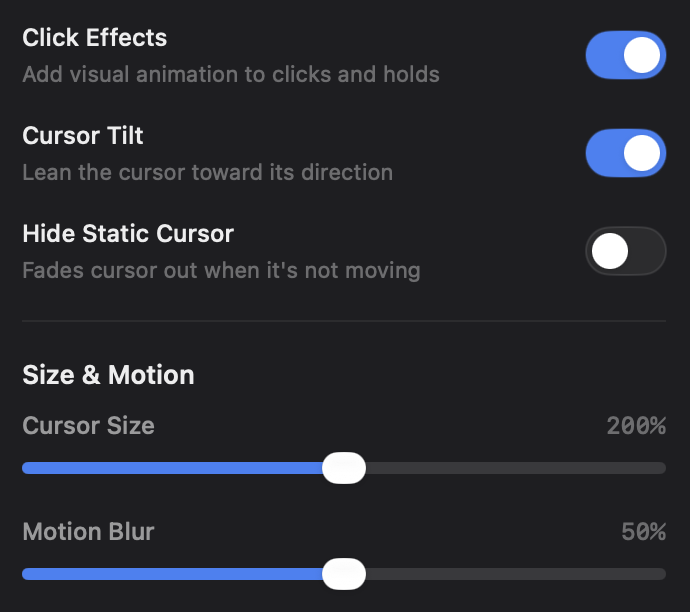
Cursor Options
Personalize the cursor behavior in your recording how you want.

Aspect Ratios
Choose between main aspect ratios for all major media.
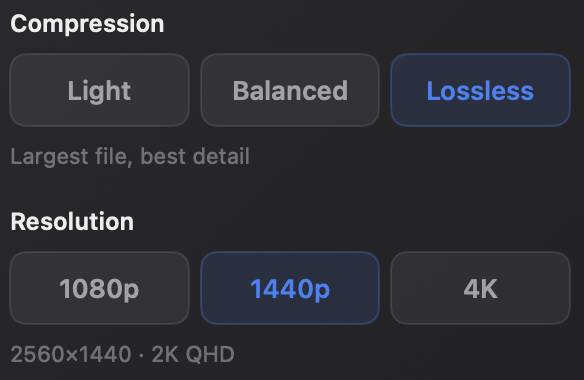
Export
Choose resolution and compression amount to get the right look.
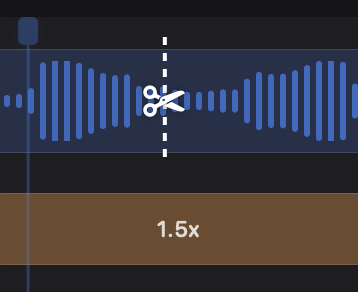
Split blocks
Cut video and zoom blocks exactly where you click.
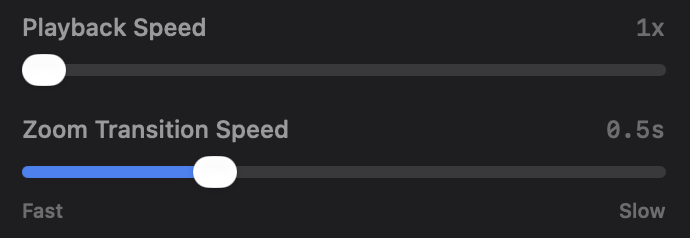
Video Options
Control video playback speed and the transition speed of zooms.
and many more...
Free to use.
No limits.
Every feature. Every export. Completely free.
Ready to record?
Fast, lightweight, and designed for the Mac from the ground up.
macOS 14+ · Apple Silicon · Free